What is geofence guard monitoring?
Geofence guard monitoring uses virtual boundaries around a site or patrol area to help detect guard arrivals, exits, presence, and required patrol coverage.
 CheckpointGuard
Define the outdoor areas guards are expected to visit and review recorded presence alongside patrol history. Use geofences for geographic coverage and QR or NFC for specific checkpoint actions.
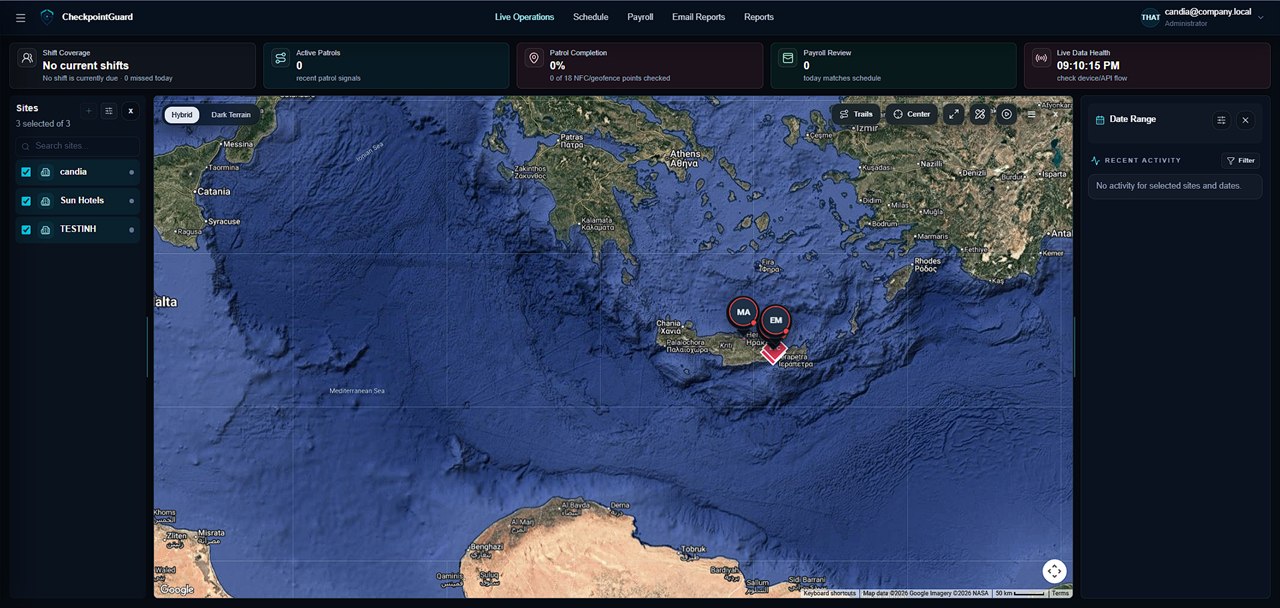
Set the boundary around the real working area, such as a car park or perimeter section. Test it on site with the patrol device. A boundary that is too narrow for the available GPS accuracy can create confusing results near its edge.
Open geofence events alongside the guard's trail and event timestamps. Investigate visits, gaps and delayed uploads with the site's actual patrol requirements in mind. GPS quality affects geographic verification, especially indoors and around obstructed areas.
Use an outdoor geofence to review area coverage and a QR or NFC checkpoint to record a deliberate action at a named entrance. These answer different operational questions, so choose the method for the required check instead of treating every signal as interchangeable.
Geofence guard monitoring uses virtual boundaries around a site or patrol area to help detect guard arrivals, exits, presence, and required patrol coverage.
Yes. In CheckpointGuard, geofences can be used as patrol zones. When a guard visits the required area, the geofence can be marked as visited and its status can update.
Green can show that a geofence was visited recently, yellow can show that a visit is becoming due, and red can show that the geofence is overdue or missed.
Yes, geofences can help prove area coverage and site presence. NFC is stronger for proving a specific physical scan, while geofences are useful for proving that a guard entered or covered a defined area.
Yes. NFC checkpoint proof and geofence monitoring can be reviewed with GPS tracking, SOS alerts, schedules, guard-pay calculation and reports.
Yes. Geofence visits, missed zones, overdue patrol areas, and related guard activity can support supervisor review and client-ready reporting.
Yes. Hotels and resorts can use geofences for entrances, parking areas, beaches, pools, service roads, storage areas, staff-only zones, and other patrol areas.
No. A geofence checks presence in a defined area. Live tracking shows available active-work positions on the operational map.
Yes. Each method can cover a different part of the patrol requirement.