What is an NFC guard patrol system?
An NFC guard patrol system uses physical NFC tags placed at patrol points. Guards scan those tags with a mobile app to prove that they reached specific checkpoints during a shift.
 CheckpointGuard
Place NFC tags at the points your security team must check. A guard taps each tag with a compatible Android phone and the visit becomes part of the patrol record.
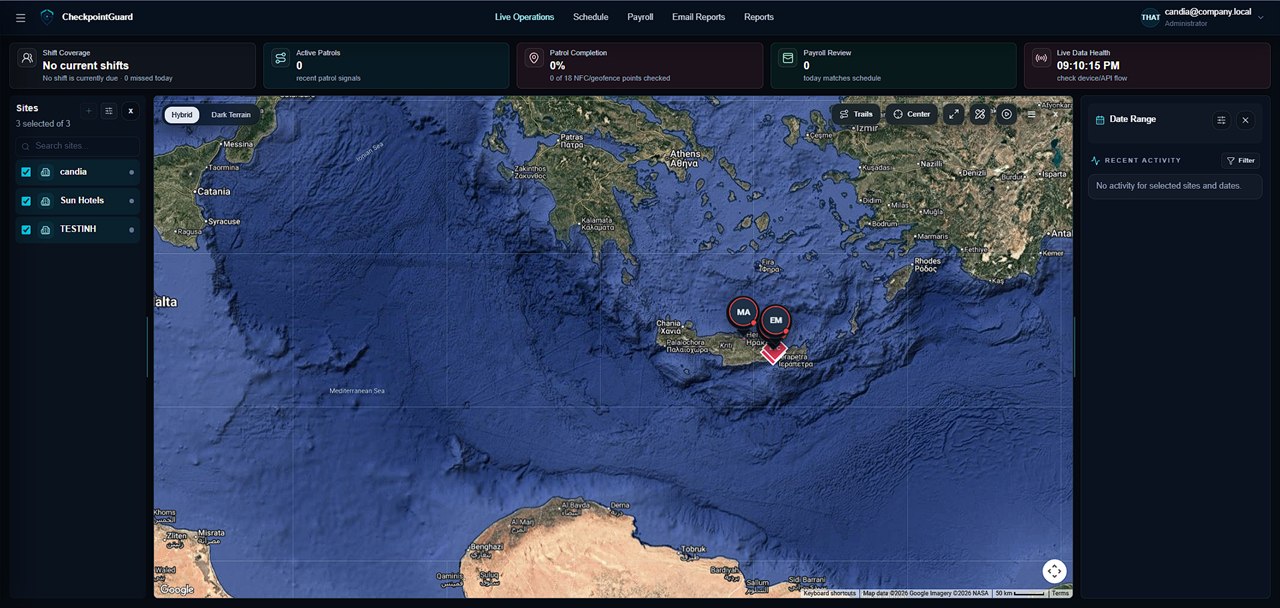
Create a named NFC checkpoint for the site, then install the tag where the patrol must visit. Use names such as service entrance or plant-room door so the guard and supervisor can identify the same point. Test the installed tag with the actual patrol phone.
The guard opens the CheckpointGuard patrol workspace and uses an NFC-enabled Android device to read the tag. The recorded visit includes its available patrol context. Phone compatibility and NFC permissions should be checked before rolling the workflow out to a team.
Supervisors review recorded taps, visit times and overdue evidence where an interval applies. Pair NFC checks with GPS or geofence context when the operation needs both named visits and wider route coverage. Include the relevant records in the client's patrol report.
NFC tags are optional physical items sold separately from the software subscription. The pricing page lists packs of ten. Decide how many named checkpoints the site needs before ordering; QR labels and geofences can cover suitable areas without an NFC tag.
CheckpointGuard provides the software platform. Security companies can source physical NFC/RFID checkpoint tags directly from third-party suppliers such as RFIDM. Before ordering, confirm that the chosen tags are compatible with your Android devices and intended checkpoint use.
See where a patrol tag goes, how a guard scans it, and what supervisors can review after the visit.
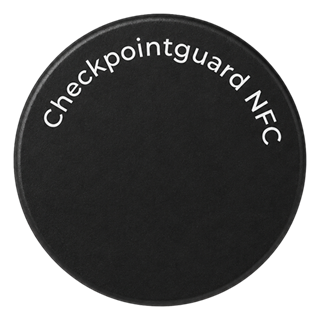
CheckpointGuard works with standard NFC tags used as physical patrol checkpoints.
For teams looking to source NFC tags in quantity, CreateLink manufactures NFC/RFID tags in formats including stickers, cards, key fobs and on-metal options.
The correct tag and mounting method should be selected for the actual surface and environment.
An NFC guard patrol system uses physical NFC tags placed at patrol points. Guards scan those tags with a mobile app to prove that they reached specific checkpoints during a shift.
NFC tags are useful when a team needs stronger proof that a guard visited a specific physical point. They reduce ambiguity compared with handwritten logs, phone calls, or verbal updates.
Yes. CheckpointGuard is designed so NFC checkpoint activity can support client-ready security reports.
Yes. Supervisors can review completed, missed, and overdue checkpoint activity from the operations dashboard.
Yes. Geofence monitoring and NFC checkpoint proof can be reviewed together to give supervisors better context.
No. NFC confirms that a specific checkpoint was scanned. GPS tracking shows movement and location context. CheckpointGuard can use both together.
Yes. Hotels and resorts can use NFC checkpoint proof to verify patrols around entrances, parking areas, pools, beaches, storage areas, staff zones, and other sensitive locations.
The guard uses the CheckpointGuard guard workspace on a compatible NFC-enabled phone.
NFC tags are available separately in packs of 10. The pricing page shows the current public tag price.