Does CheckpointGuard have an Android guard app?
Yes. The product includes Android guard app work alongside the web admin dashboard and Android admin app.
 CheckpointGuard
Follow mobile security patrols from shift start to the final checkpoint. Guards use Android; supervisors review GPS updates, visits, messages and exceptions from the dashboard.
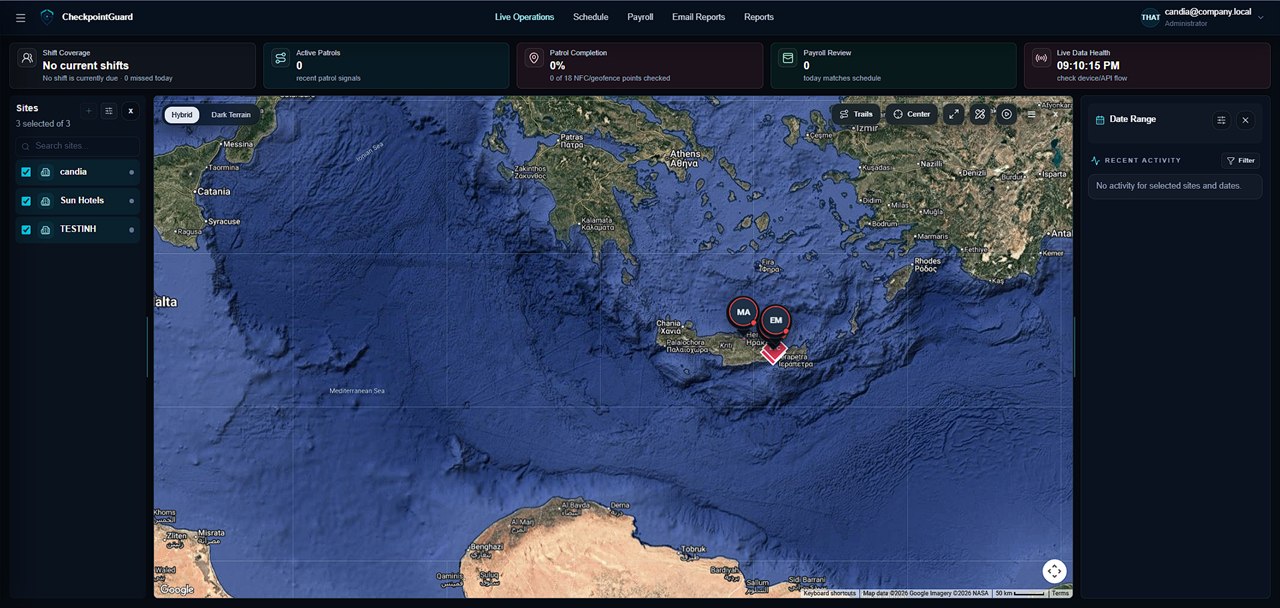
Assign the guard to the locations they cover and name the checkpoints at each stop. When reviewing a mobile route, open the relevant client site to see its visits rather than combining unrelated properties into one undifferentiated patrol log.
Use GPS updates to understand travel and current coverage. QR and NFC scans add a deliberate check at a named point. Review these together when a customer asks whether a guard reached a particular entrance or completed the expected stop.
Supported patrol events can be captured while the phone is offline and uploaded after reconnection. Supervisors should check timestamps and data freshness; an uploaded historical visit is useful evidence, but does not mean the guard is currently at that location.
Illustrative mobile-patrol workflow: a guard covers one client entrance and later another assigned site. Before departure, confirm access and the intended checks for both locations. At each stop, use the correct assigned site and its named checkpoints; a GPS trail between the properties supplies travel context, not proof that either entrance was checked.
The supervisor reviews each client's visits for the relevant period, then uses route history to investigate the movement between stops. If evidence arrives late, check its event time before describing current coverage. Keep the client report scoped to that client's site. This workflow concerns coordination across stops; the Android page explains the field app used to record the visits.
Yes. The product includes Android guard app work alongside the web admin dashboard and Android admin app.
Yes. SOS alerts are part of the operations workflow, helping supervisors respond faster and keep a record of urgent events.
Yes. Supervisors can review guard status, SOS alerts, checkpoint activity, and recent field updates from the connected operations dashboard.
CheckpointGuard uses the active-work workflow and the permissions enabled for the account. The public site does not describe off-duty tracking as a product feature.
Supported patrol activity can be saved on the phone and uploaded when connectivity returns.