Does a QR code expose a checkpoint database ID?
No. The QR contains a versioned CheckpointGuard payload with a cryptographically random opaque token. The server maps and validates that token without publishing predictable database identifiers.
 CheckpointGuard
Create a QR checkpoint for each patrol point, print the label and let guards scan it with the Android app. Review the recorded visits from the supervisor dashboard.
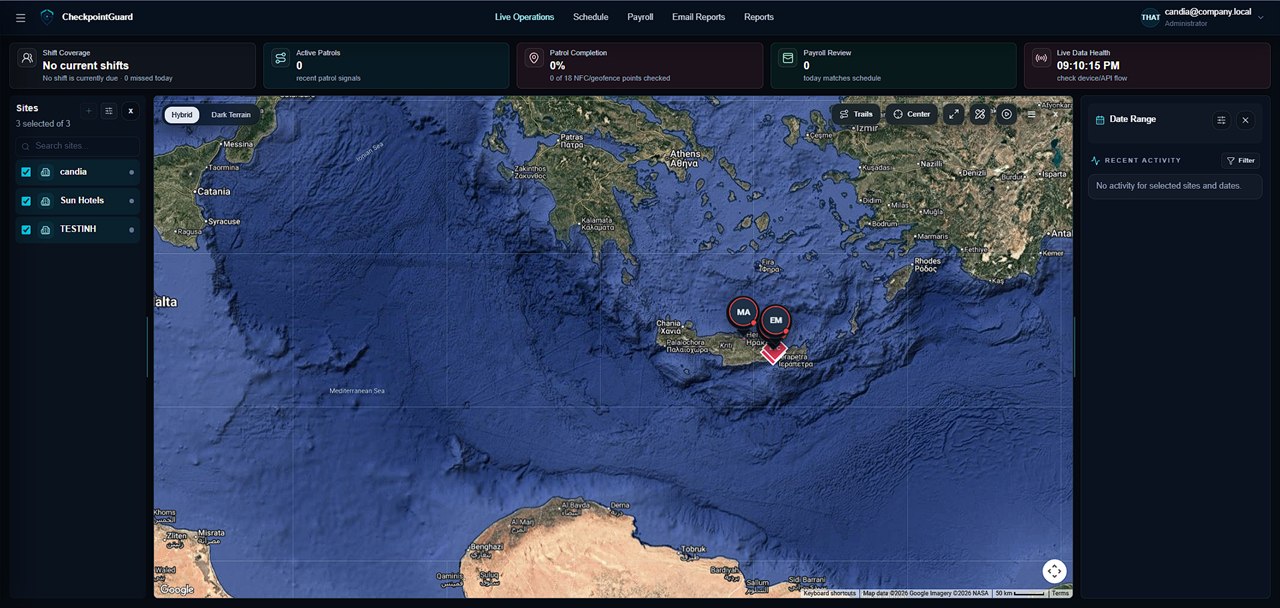
Name the checkpoint for the area being checked and place the printed label at that location. Test the scan in the lighting the guard will actually use. A clear site name and point name make the visit easier to identify in the report.
The Android camera reads the label during patrol and the visit is recorded for the guard and site. Supported offline visits upload when connectivity returns. Review event timestamps and available verification evidence when a scan needs investigation.
A visible QR code can be photographed or copied. Choose sensible placement, replace damaged labels and disable checkpoints that are no longer trusted. Where a closer physical interaction is required, consider NFC; where outdoor area coverage matters, compare geofences.
No. The QR contains a versioned CheckpointGuard payload with a cryptographically random opaque token. The server maps and validates that token without publishing predictable database identifiers.
Yes. A network failure queues the scan for later replay while preserving its client scan ID and captured time. History distinguishes delayed synchronization from a live upload.
Yes. Nearby-GPS validation is optional per checkpoint. An administrator can configure a radius and checkpoint coordinates; scans outside the accepted radius or without usable location evidence are rejected.
They provide different operational tradeoffs. QR is easy to print and replace but can be photographed. NFC requires a compatible physical tag and device. Teams can use QR, NFC and geofence evidence according to the site.