Can CheckpointGuard work for hotels?
Yes. It is a strong fit for hotels that need live guard visibility, patrol proof, SOS handling, schedules, and reports for management review.
 CheckpointGuard
Coordinate hotel guards, check service areas and review overnight patrol evidence. Keep reception, parking, back-of-house areas and management reports attached to the right property.
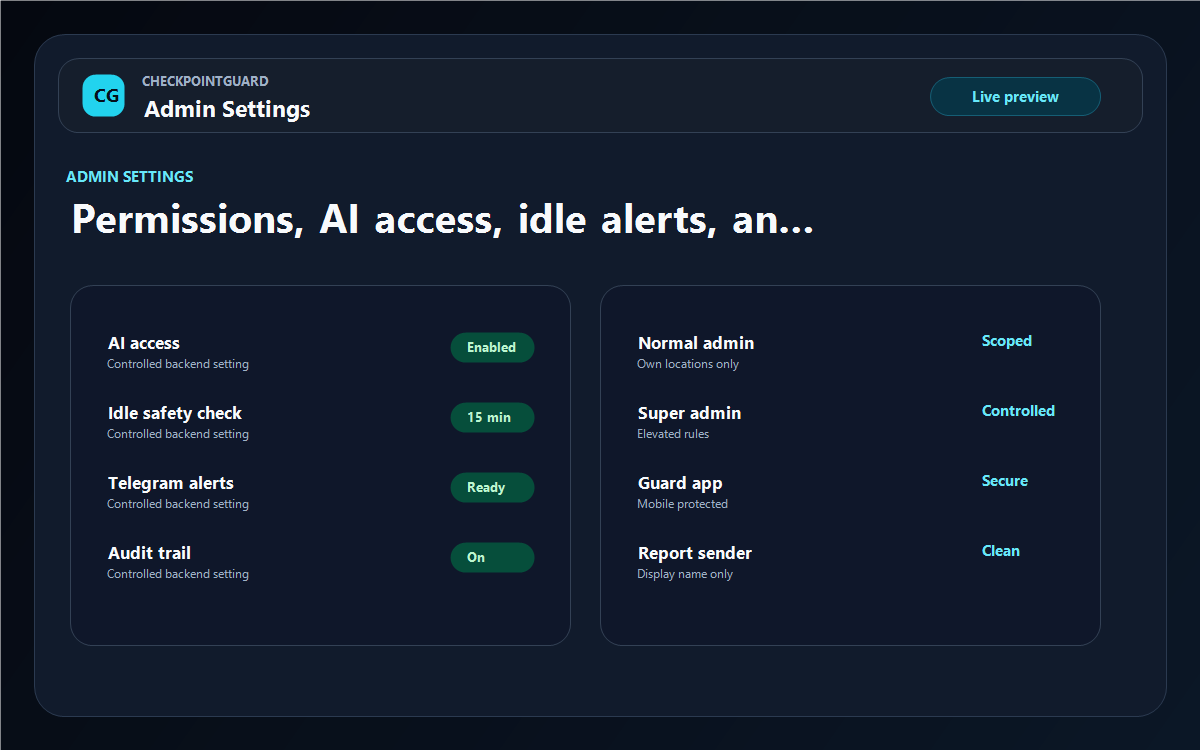
Admin settings keep permissions, AI access, alert rules, reporting controls, and audit behavior under supervisor control.
Name checkpoints for service entrances, parking areas and other locations in the hotel's security plan. Choose QR or NFC for a specific stop and geographic verification for suitable outdoor areas. Test the route during the actual night-shift lighting and access conditions.
Review active guards, recent visits, messages and alerts before the handover. Investigate an overdue point using its timestamp and guard history. Keep the property context visible when one supervisor is responsible for more than one hotel.
Prepare the site's report for the agreed period and review what the recorded checks show. Include relevant exceptions and configure recurring email delivery where useful. The report can support a management discussion without exposing unrelated client-site activity.
Illustrative configuration, not a customer deployment: create one hotel site and assign the guards who cover its night shift. Define named checks around the property's security plan, such as the service entrance, parking access and authorised back-of-house or technical-room entrances. Use QR or NFC for a deliberate visit to a named point; test any outdoor geofence against the parking boundary and actual reception conditions.
Agree access rules with hotel management before including guest floors, staff areas or restricted rooms. A recorded visit at a door does not establish that a room was entered or its equipment inspected. At handover, review the relevant visits, messages and alerts, and use the hotel's reporting period to prepare a management update without including another client's records.
A reception team needs a clear next step, not just a list of scans. For an unresolved service-door check, establish the named point, the expected period and the latest received evidence. Pass the question to the responsible supervisor using the hotel's own response procedure. Keep observations from staff separate from recorded checkpoint events, and revisit the source records before describing the issue as resolved in the management report.
Yes. It is a strong fit for hotels that need live guard visibility, patrol proof, SOS handling, schedules, and reports for management review.
Yes. The product is built around admins, hotels/sites, guards, and scoped operational data.
CheckpointGuard includes reporting and email report workflows so activity can be turned into professional updates.
CheckpointGuard organizes work by site, so authorized teams can manage multiple hotel sites from the same operation.
QR and NFC suit fixed indoor areas. GPS and geofences add context where reliable location data is available.