Where do administrators sign in?
Administrators use the CheckpointGuard Admin page. Guards use the unified Android app with their issued guard login.
 CheckpointGuard
Set up the smallest working operation first, confirm it in the field and expand after the workflow is clear.
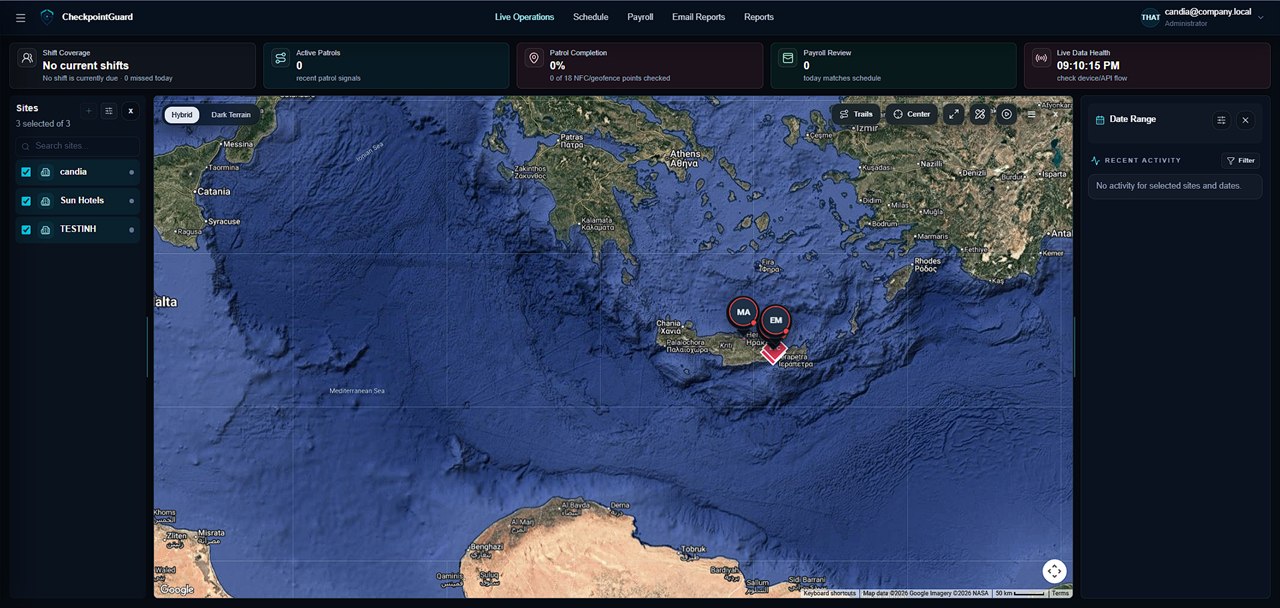
Sign up with a verified Google account on the website to create a Gold trial. Its 14 days begin at account creation, with up to two sites and two guard accounts. Add the first location, assign a guard and choose the QR, NFC or geofence checks needed for one test patrol.
The guard signs in to the unified Android app with the issued guard account, selects an assigned site and starts a patrol. Checkpoint scans require the appropriate active patrol and site context.
For QR, tap Scan QR checkpoint and point the camera at the printed CheckpointGuard code. For NFC, use the existing NFC checkpoint action and tap the configured tag. Wait for the app's success or error message before continuing.
During a temporary network failure, supported operational events are queued and replayed when connectivity returns. Keep the guard signed in and do not treat an offline confirmation as a server-live timestamp; the original capture time is preserved.
Administrators can review patrol history, playback and activity evidence, including the checkpoint method and delayed-sync status where available. Use reporting tools to create or email the operational summary needed by the customer.
Create schedule windows for the relevant location, assign the intended guard or payroll employee where the workflow requires it, and review warnings before the shift. Location and permission scope still determines what each administrator and guard can access.
Administrators use the CheckpointGuard Admin page. Guards use the unified Android app with their issued guard login.
Read the app message first. Common causes include no active patrol, the wrong site, an inactive checkpoint, denied camera permission, an invalid QR code or a location requirement that was not met.
Open the relevant location and patrol history or playback view in Admin. QR and NFC visits are labelled by checkpoint method so they can be distinguished from geofence evidence.
No. Start with the site, guards and patrol proof you need, then add the wider operation in stages.
It starts when the administrator account is created, not at the first patrol. The trial includes up to two client locations and two guard accounts. At expiry the account is deactivated and its data is preserved for reactivation.