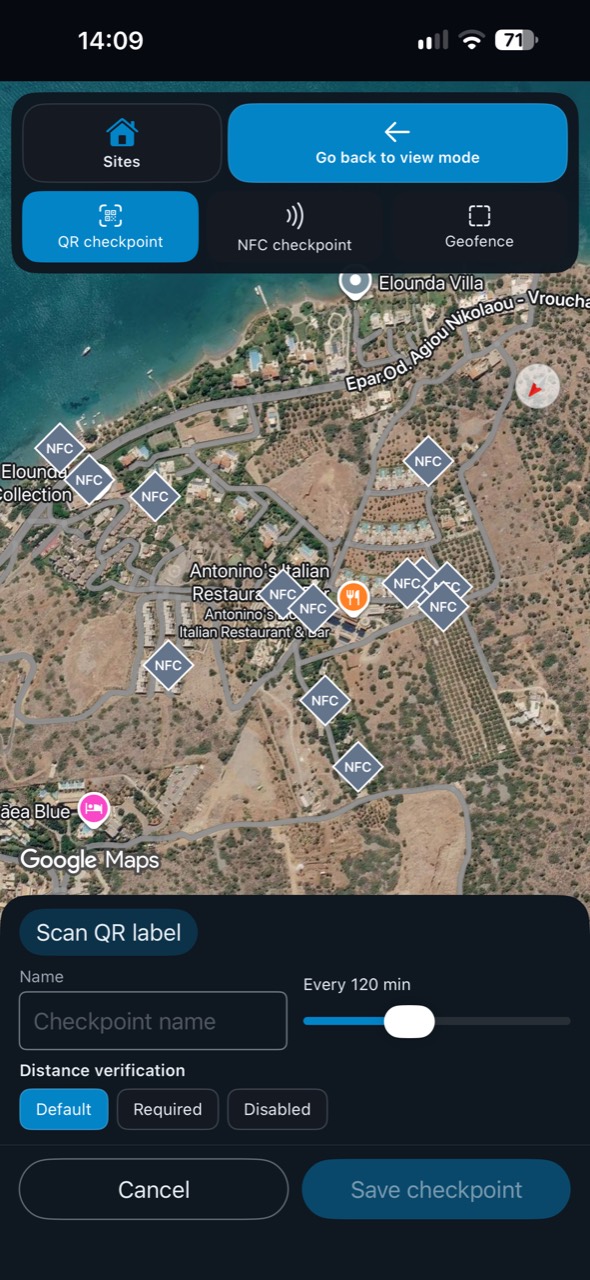
01Set up
Set the checkpoint. Make it count.
Place QR, NFC and geofence checkpoints on your site map, with visit intervals and distance verification settings.
 CheckpointGuard
 for iPhone
Give guards and supervisors an iPhone app for the work happening on site. CheckpointGuard brings checkpoint scanning, patrol activity and site oversight into the same workspace your team uses on Android and the web.
Free to download · iOS 17+
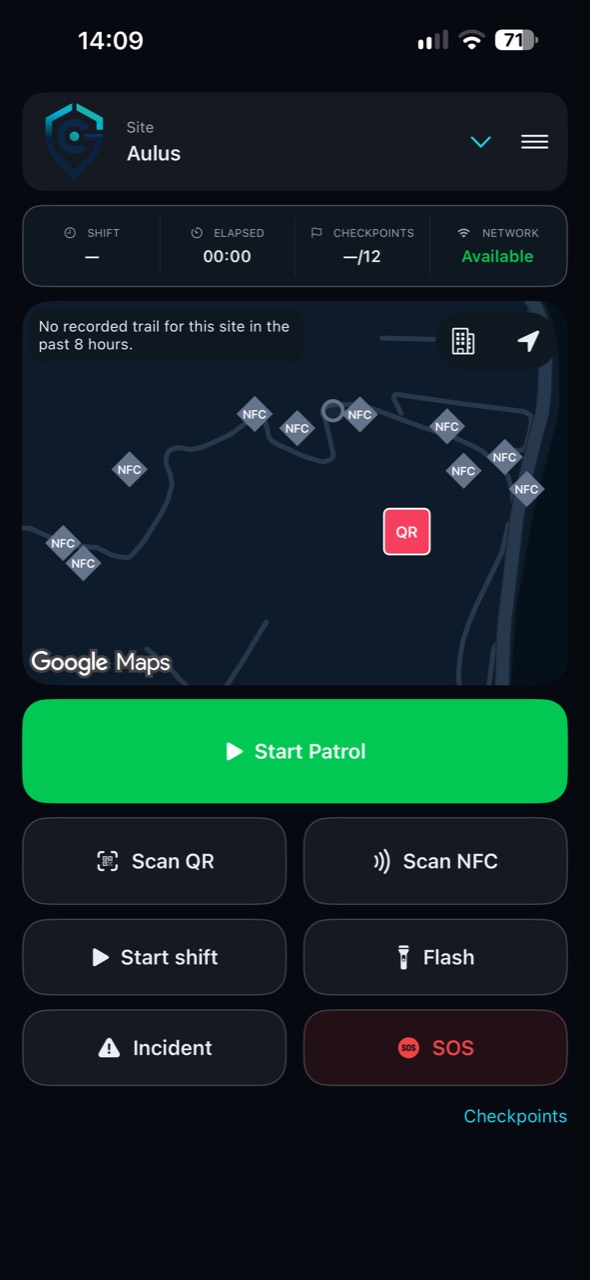
From setup to the next patrol
Create checkpoints, follow activity and review the record from the same iPhone app.
01Set up
Place QR, NFC and geofence checkpoints on your site map, with visit intervals and distance verification settings.
02Supervise
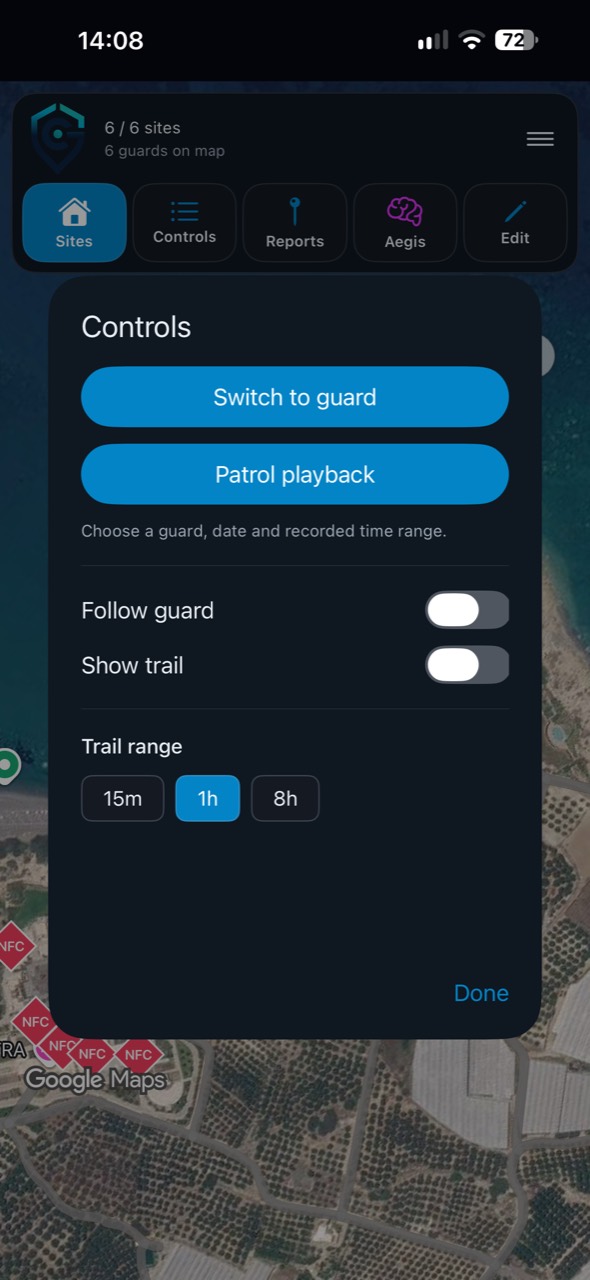
Choose patrol playback, follow a guard and review the recorded trail over your selected time range.
03Review
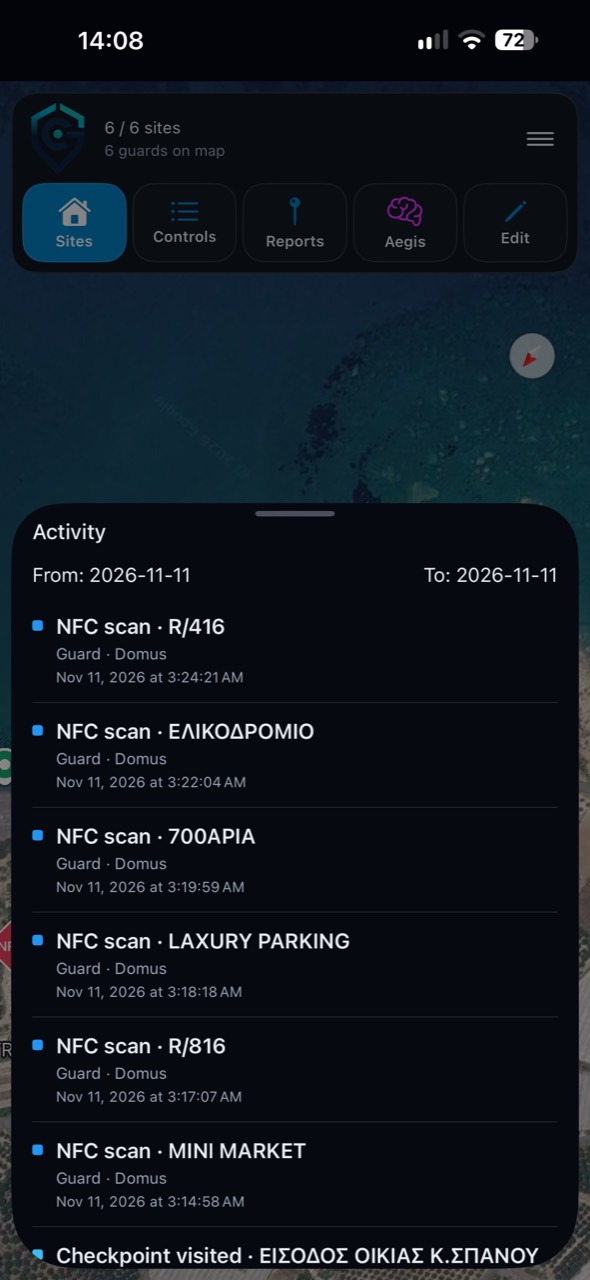
Review timestamped QR and NFC visits in the site activity feed.
Fits the way your team works
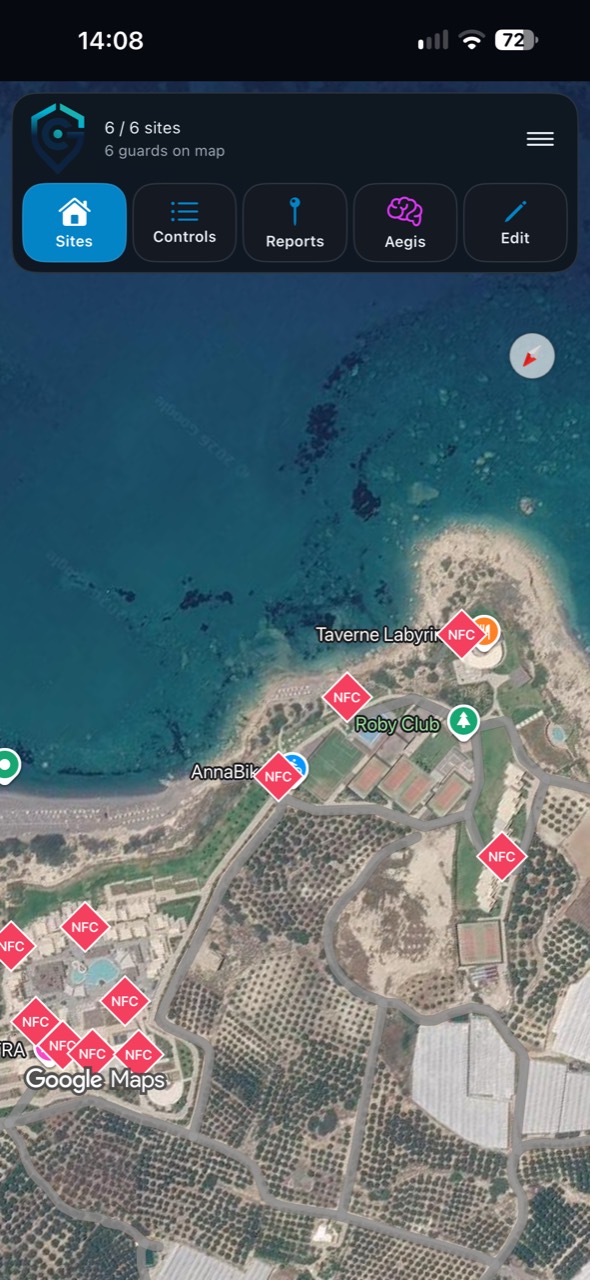
Guards select an assigned site and use the patrol controls to record work there. Scan a QR checkpoint with the camera or read a compatible physical NFC tag. The site map helps guards see where checkpoints belong, while recorded activity gives supervisors evidence to review.
Use your organization’s checkpoint and location-verification settings. NFC scanning requires a compatible iPhone and tag; test the devices and tags you will use before rolling the app out across a site.
How NFC patrol verification worksThe iOS app includes guard and administrator workspaces. Guards work with their assigned sites, patrol controls and incident tools. Authorized administrators can review site maps, guard activity and reports from their phone. Access follows the account role, site assignments and workspace features.
An iPhone deployment can work alongside Android guards and the web administration dashboard. Use the same organization workspace to coordinate mixed-device teams rather than create a separate operation for each phone platform.
Explore the Android appDownload CheckpointGuard from the App Store, then sign in with the account provided for your workspace. Confirm the guard’s site assignments and checkpoint setup before the first patrol. Allow camera access for QR scanning and the location permissions required by your configured patrol workflow.
Run a short patrol at the actual site: scan a checkpoint, review the recorded visit and check that the supervisor can see the result. This confirms your device, permissions, site settings and physical checkpoint labels work together.
Follow the CheckpointGuard quick startThe iPhone app is free to download. Operational use requires an authorized CheckpointGuard workspace account. Your subscription, role and enabled features determine which tools are available; installing the app does not create access to another organization’s sites.
New teams can start with a demo or review the available plans. Existing customers can ask their administrator for an account and site assignments, then install the app using the App Store link on this page.
Compare workspace plansCheckpointGuard requires iOS 17 or later. Check the App Store compatibility section for your device. QR scans need camera access; NFC visits also need compatible NFC hardware and tags.
Yes. Both apps connect to the same CheckpointGuard workspace. Administrators control which sites each guard can access, so using a different phone does not change site permissions.
No. The CheckpointGuard iOS app includes guard and administrator workspaces. The account you sign in with determines your access.
The app download is free. You still need an authorized workspace account; subscription features and any separately purchased physical NFC tags are covered by your organization’s setup.
CheckpointGuard for iPhone
Download the app, sign in to your workspace and get your team connected.
For guards and administrators using a CheckpointGuard workspace. Requires iOS 17 or later; features depend on your role and plan.