Does a guard need an NFC-enabled phone?
Yes. The guard needs an Android phone with NFC available and enabled to scan a physical NFC checkpoint tag. Test your device and a sample tag before rollout.
 CheckpointGuard
Mount a physical NFC tag at each required patrol point. A guard scans it with the CheckpointGuard Android app to record a visit that supervisors can review.
Book a demo Start 14-day free Gold trial
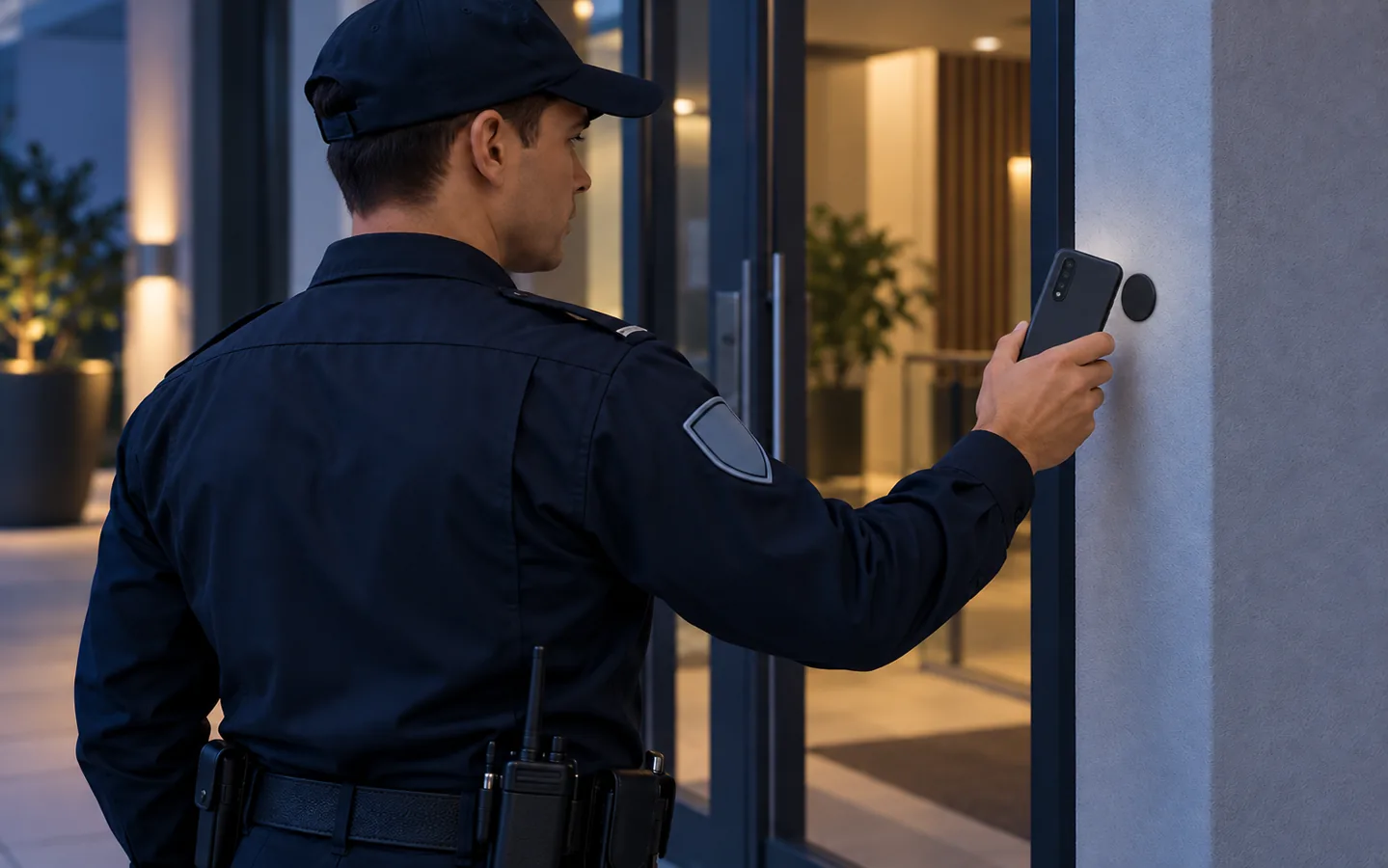
Illustrative patrol workflow · Not a product screenshot or customer site
Place a tag at a checkpoint, then have the guard scan it with the Android app during the patrol. The visit is recorded with guard, site, checkpoint and time context for review.
Entrances, parking areas and equipment rooms are common checkpoint locations. Match the tag format and mounting method to the surface and environment, especially when installing on metal or outdoors.
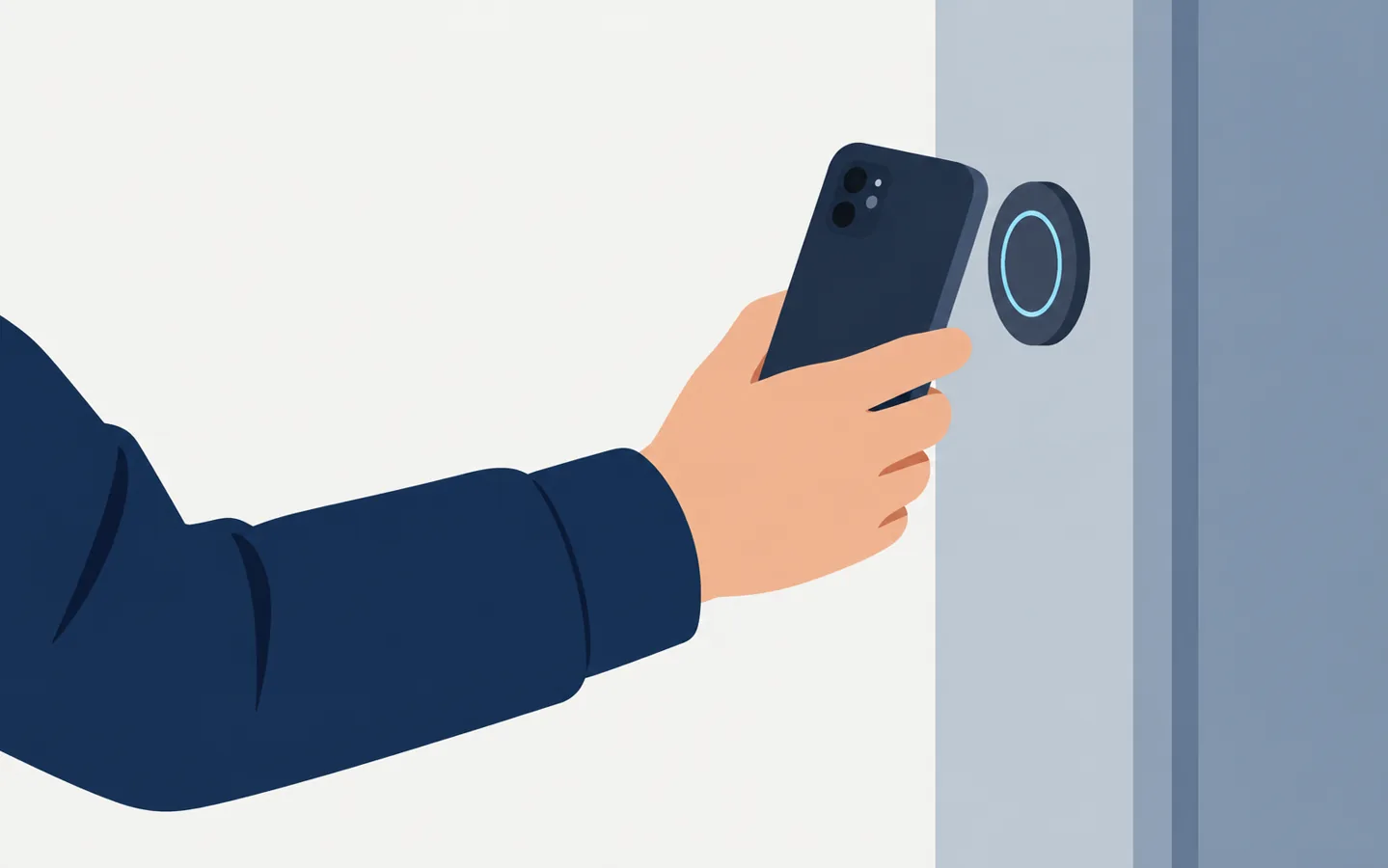
Supervisors can review completed, missed and overdue NFC checkpoints alongside the rest of the patrol activity. The physical tag supplies a scan point; CheckpointGuard supplies the software record.
Place NFC checkpoints where a physical visit matters: an entrance, a plant room or the far end of a patrol route. Name each checkpoint for the location a supervisor will recognize in the visit history. Test the route with a guard before adding more tags.
Use an Android phone with NFC enabled and test a sample tag in the CheckpointGuard guard app before buying in quantity. A metal surface or outdoor exposure may call for a different tag or mounting method. Check that a guard can reach and scan the installed tag safely.
Tell CheckpointGuard about your patrol sites, planned scan points and Android devices. We can show how recorded visits appear in the software. Physical tags can be sourced separately.
CheckpointGuard works with standard NFC tags used as physical patrol checkpoints.
For teams looking to source NFC tags in quantity, CreateLink manufactures NFC/RFID tags in formats including stickers, cards, key fobs and on-metal options.
The correct tag and mounting method should be selected for the actual surface and environment.
Yes. The guard needs an Android phone with NFC available and enabled to scan a physical NFC checkpoint tag. Test your device and a sample tag before rollout.
Physical tags are optional and sold separately. CheckpointGuard also supports other patrol verification methods, including QR checkpoints and geofences.
No. CreateLink is an independent supplier resource, not an exclusive or certified CheckpointGuard supplier. Choose and test tags that suit your devices, surface and environment.